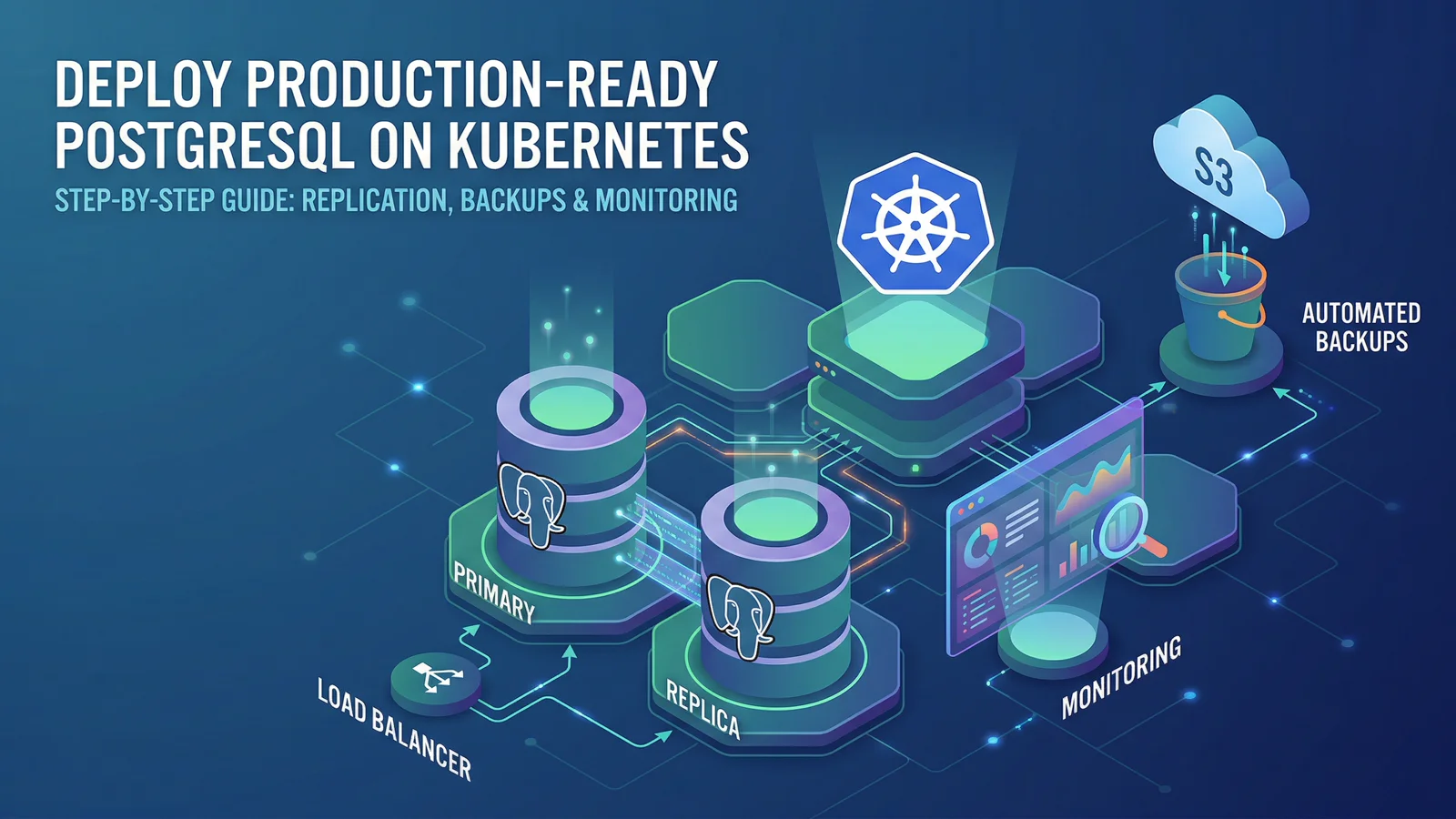
What you will build
By the end of this guide, you will have:
- PostgreSQL in replication mode (1 primary + 1 replica)
- Nightly S3 backups
- Metrics exporter enabled
- Optional
ServiceMonitorfor Prometheus Operator - Resource requests and limits for predictable performance
Prerequisites
- A Kubernetes cluster (k3d, kind, EKS, GKE, OKE, etc.)
helmv3.12+ andkubectl- S3-compatible object storage credentials
- Prometheus stack (optional, only if you enable
ServiceMonitor)
Step 1: Add the HelmForge repository
helm repo add helmforge https://repo.helmforge.dev
helm repo update
Step 2: Create namespace and secrets
kubectl create namespace databases

kubectl create secret generic postgresql-credentials \
  --namespace databases \
  --from-literal=postgres-password='replace-me' \
  --from-literal=replication-password='replace-me-too'

kubectl create secret generic backup-s3-credentials \
  --namespace databases \
  --from-literal=access-key='YOUR_ACCESS_KEY' \
  --from-literal=secret-key='YOUR_SECRET_KEY'
Step 3: Create a production values file
Create postgresql-values.yaml:
architecture: replication

auth:
  existingSecret: postgresql-credentials

primary:
  resources:
    requests:
      cpu: 250m
      memory: 512Mi
    limits:
      cpu: '1'
      memory: 1Gi
  persistence:
    size: 20Gi

readReplicas:
  replicaCount: 1
  resources:
    requests:
      cpu: 250m
      memory: 512Mi
    limits:
      cpu: '1'
      memory: 1Gi
  persistence:
    size: 20Gi

backup:
  enabled: true
  schedule: '0 2 * * *'
  s3:
    endpoint: https://s3.amazonaws.com
    bucket: my-pg-backups
    existingSecret: backup-s3-credentials

metrics:
  enabled: true
  serviceMonitor:
    enabled: true
    namespace: monitoring
    interval: 30s
If you do not run Prometheus Operator, set metrics.serviceMonitor.enabled: false and scrape the metrics service directly.
Step 4: Install PostgreSQL
helm install postgresql helmforge/postgresql \
  --namespace databases \
  --values postgresql-values.yaml \
  --wait --timeout 10m
Step 5: Validate core health
kubectl get pods -n databases -l app.kubernetes.io/name=postgresql
kubectl get pvc -n databases
kubectl get cronjob -n databases
You should see primary + replica pods, PVCs bound, and backup CronJob present.
Step 6: Validate replication
kubectl run pg-test --rm -it --restart=Never \
  --namespace databases \
  --image=postgres:17 \
  --env="PGPASSWORD=replace-me" \
  -- psql -h postgresql-read -U postgres -d postgres -c "SELECT status, conninfo FROM pg_stat_wal_receiver;"
status = streaming confirms replication is healthy.
Step 7: Validate monitoring
Check metric resources:
kubectl get svc -n databases | grep -i metrics
kubectl get servicemonitor -A | grep -i postgresql
Useful starter alerts/queries:
pg_up == 0(instance down)rate(pg_stat_database_xact_commit[5m])(transaction throughput)pg_replication_lag(replica lag)pg_database_size_bytes(database growth)
Step 8: Validate backup path
Run an on-demand backup job:
kubectl create job --from=cronjob/postgresql-backup postgresql-backup-manual -n databases
kubectl logs -n databases job/postgresql-backup-manual -f
Confirm the artifact appears in your S3 bucket/prefix.
Production notes
- Keep replication passwords in external secret managers where possible.
- Add PodDisruptionBudget and anti-affinity for higher availability.
- Test restore regularly, not only backup creation.
- Track replica lag before scaling read traffic.
Next steps
- Full chart reference: /docs/charts/postgresql
- Related guides: /docs/charts/mysql, /docs/charts/mariadb, /docs/charts/mongodb
References
Newsletter
Get the next post in your inbox
Join the HelmForge newsletter for Kubernetes insights, chart updates, and practical operations tips.